Skip to content
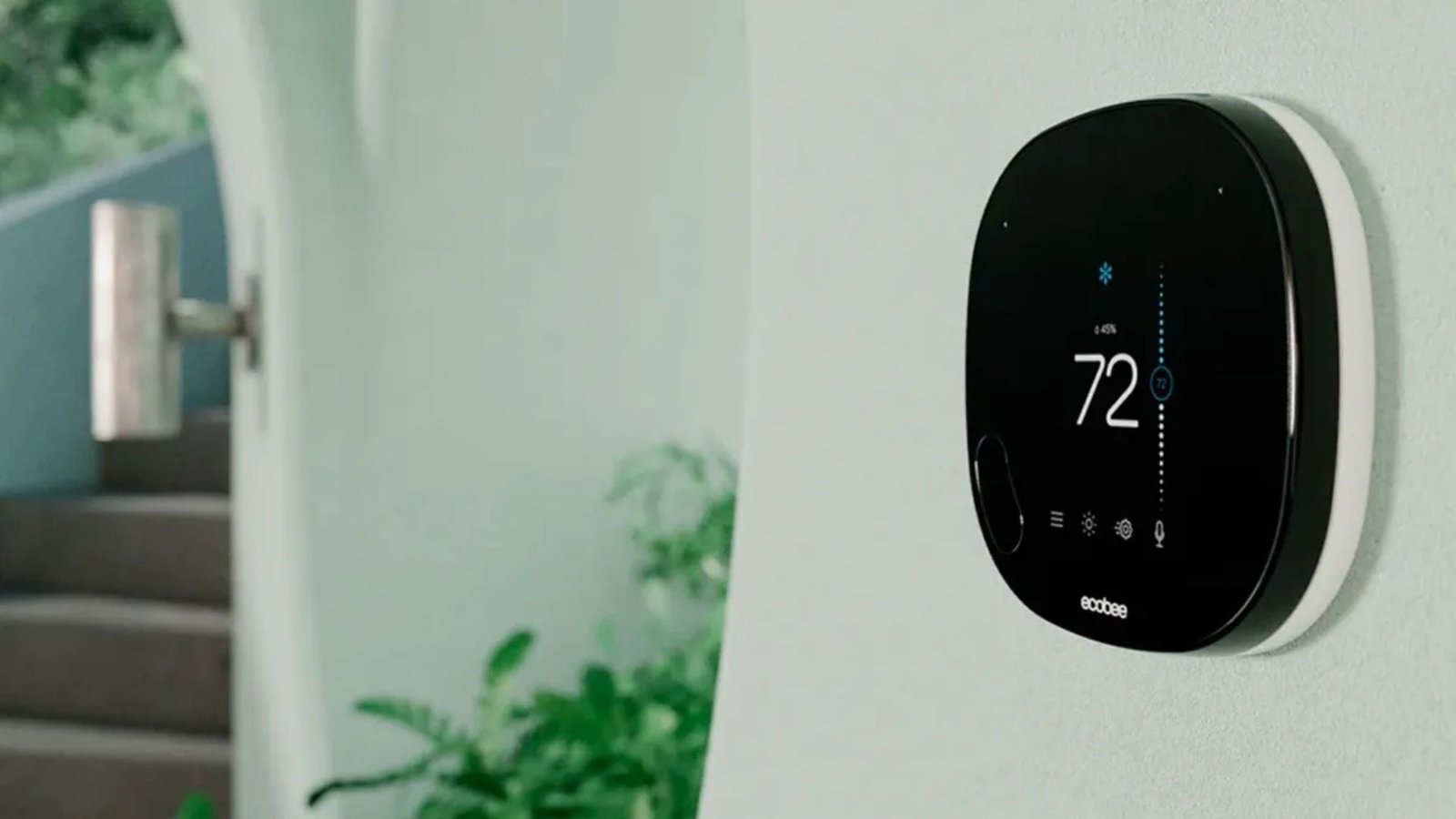
The drive to create a smarter, more energy-efficient home has made the Smart Thermostat one of the most popular and effective home automation devices available today. These aren’t just fancy digital upgrades; they are sophisticated energy managers that learn your habits, sense your presence, and communicate with your Heating, Ventilation, and Air Conditioning (HVAC) system to optimize comfort while minimizing waste.
The best part? Installing a Smart Thermostat is one of the easiest, most impactful Do-It-Yourself (DIY) projects a homeowner can undertake. With basic tools and an hour of your time, you can start realizing significant savings and take a major step toward reducing your carbon footprint. This guide will walk you through the preparation, the step-by-step installation, and the massive energy savings that make the Smart Thermostat a worthwhile investment.
Table of Contents
The Economics of Smart Thermostats: Beyond the Hype
The primary motivation for upgrading to a Smart Thermostat is simple: saving energy and money. Traditional programmable thermostats were an improvement over manual models, but they relied on static, pre-set schedules that often failed to account for real-life changes—like coming home early or leaving later than planned.
A Smart Thermostat, however, is adaptive. It uses geofencing (based on your phone’s location), motion sensors, and learning algorithms to ensure you only heat or cool an empty home when absolutely necessary.
Proven Energy Savings
The savings potential is substantial and well-documented. Studies from independent research and manufacturers show compelling figures:
- Average Savings: According to data from the US Environmental Protection Agency (EPA) and various manufacturers, a Smart Thermostat can, on average, save customers between 10% to 12% on heating and 15% on cooling costs. This can translate to an average savings of $140 to over $200 per year on utility bills, depending on climate and usage.
- The Return on Investment (ROI): Given that many popular Smart Thermostat models cost between $100 and $250, the device often pays for itself within one to three years, providing continuous savings thereafter.
- The Power of Learning: These savings stem from features like smart learning (which notes how long it takes your home to heat or cool and pre-adjusts) and occupancy-based control, significantly reducing the run-time of your HVAC system.
This balance of comfort and efficiency makes the installation of a Smart Thermostat a no-brainer for any homeowner focused on utility management. For more ideas on how to manage household expenses and utility use, visit our website.
Phase I: Preparation and Compatibility Check
Before touching a single wire, preparation is the most critical step to ensure a smooth installation.
1. Compatibility Check
Not all Smart Thermostat models work with all HVAC systems. The single most important factor is the C-Wire (Common Wire).
- What is the C-Wire? The C-wire provides continuous, low-voltage power to the thermostat. Smart devices require constant power to run Wi-Fi, motion sensors, and sophisticated displays.
- Checking for a C-Wire: Remove the faceplate of your old thermostat. If you see a wire connected to a terminal labeled ‘C’, you are all set. If you do not, most Smart Thermostat brands (like Nest, Ecobee, etc.) now offer a C-Wire adapter kit, which you install at your furnace/HVAC unit. While it adds a small layer of complexity, it still keeps the project firmly in the DIY domain.
2. Gather Your Tools
You will need very few items:
- The new Smart Thermostat kit (includes the base plate, faceplate, and usually a trim plate).
- A Phillips-head screwdriver and a flat-head screwdriver.
- Wire labels (often included with the kit).
- A pen or pencil.
- Your smartphone (for the app setup).
- A non-contact voltage tester (highly recommended for safety).
3. Take a Picture!
Before disconnecting anything, take a clear, high-resolution picture of the existing wiring, noting which colored wire connects to which labeled terminal (e.g., R, G, Y, W, C). This photo is your map and troubleshooting reference. Never rely on wire color alone, as wiring standards can vary significantly.
Phase II: The Step-by-Step Installation Process
Once prepared, the physical installation of the Smart Thermostat should take less than an hour.
Step 1: Safety First—Turn Off the Power! ⚠️
This step is non-negotiable. Locate the circuit breaker that controls your furnace, air handler, or boiler and switch it OFF. You are dealing with low-voltage wires, but shorting them out can damage the expensive control board of your HVAC system. Use your non-contact voltage tester on the exposed wires to confirm the power is completely off.
Step 2: Remove the Old Thermostat
- Remove the faceplate of the old thermostat. This often snaps off or is held by small set screws.
- Using the wire labels provided in your kit, label each wire immediately with the letter of the terminal it is connected to on the old base plate (e.g., label the wire on the ‘Y’ terminal with a ‘Y’ sticker).
- Disconnect the labeled wires. Be careful to ensure the wires do not fall back into the wall cavity.
- Unscrew the old base plate from the wall.
Step 3: Install the New Smart Thermostat Base Plate
- Thread the labeled wires through the opening in the new Smart Thermostat base plate or trim plate (if needed to cover old screw holes).
- Align the new base plate with the wall, use the built-in level (if your model has one), and mark the new screw holes.
- Drill holes and insert drywall anchors if necessary.
- Screw the new base plate securely to the wall.
Step 4: Connect the Wires
This is the most crucial part. Refer to the picture you took and the wire labels.
- Connect each wire to the corresponding terminal on the new Smart Thermostat base plate. For example, the wire labeled ‘R’ goes into the ‘R’ or ‘Rh’ terminal (check the manual for jumper requirements), ‘Y’ goes to ‘Y’, and ‘C’ goes to ‘C’.
- Push the terminal levers, insert the wire, and release the lever to ensure a secure connection. A good connection is indicated when the wire is held firmly in place and does not easily pull out.
- Gently push any excess wire back into the wall cavity.
Step 5: Mount and Power Up
- Snap the new Smart Thermostat faceplate onto the base plate.
- Return to your circuit breaker box and turn the power back on.
- The thermostat should power up and guide you through the initial setup on its screen.
Step 6: App and Wi-Fi Setup
The final step is to connect your Smart Thermostat to your home’s Wi-Fi network and download the manufacturer’s app (e.g., Google Home, Ecobee, Honeywell Home).
- The app will typically walk you through the remaining configuration, including connecting to your account, naming the device, and confirming the system type (e.g., forced air, heat pump, boiler).
- Test the System: In the app, manually raise the temperature to confirm the heat turns on, and then lower it to confirm the cooling turns on. Once verified, you are done!
Maximizing Savings with Your New Smart Thermostat
Installing the device is only the beginning. The real, long-term savings come from utilizing its key features. If you want to dive deeper into maximizing your overall home efficiency, check out this great resource from the EPA on Energy Star Savings to compare your model’s estimated savings against certified benchmarks.
1. Optimize the Learning Period
If you chose a learning Smart Thermostat (like a Nest), let it run for a week or two without manually overriding the temperature too often. It needs time to learn your patterns—when you wake up, when you leave, and when you return. The more data it collects, the more efficient its automatic scheduling becomes.
2. Utilize Geofencing and Remote Access
- Geofencing: Set up a boundary around your home. When your phone crosses that line, the thermostat automatically enters a high-efficiency “Away” mode (setting the temperature back further) and begins pre-heating or pre-cooling before you arrive.
- Remote Adjustments: If you suddenly decide to go away for the weekend, you can simply open the app and switch the thermostat to “Away” or “Eco” mode, avoiding unnecessary heating or cooling for days.
3. Join Utility Rebate Programs
Because Smart Thermostats help reduce the strain on the electrical grid during peak hours, many local power companies offer generous incentives. Look for rebates or free devices through your utility provider. They often partner with companies to offer these devices at a reduced cost or provide bill credits for participating in “Demand Response” programs where they slightly adjust your thermostat during high-demand periods (typically only by a few degrees and only for a short time).
Conclusion
The decision to install a Smart Thermostat is a clear win for your comfort, your wallet, and the environment. It is a modern upgrade that finally eliminates the inefficiency of heating or cooling an empty house. By following these simple DIY steps, you can transition from a passive energy consumer to an active energy manager, all while enjoying the convenience of a system that truly understands your home’s needs. Your journey to a more efficient home starts now, with the simple click of a new base plate.