Skip to content
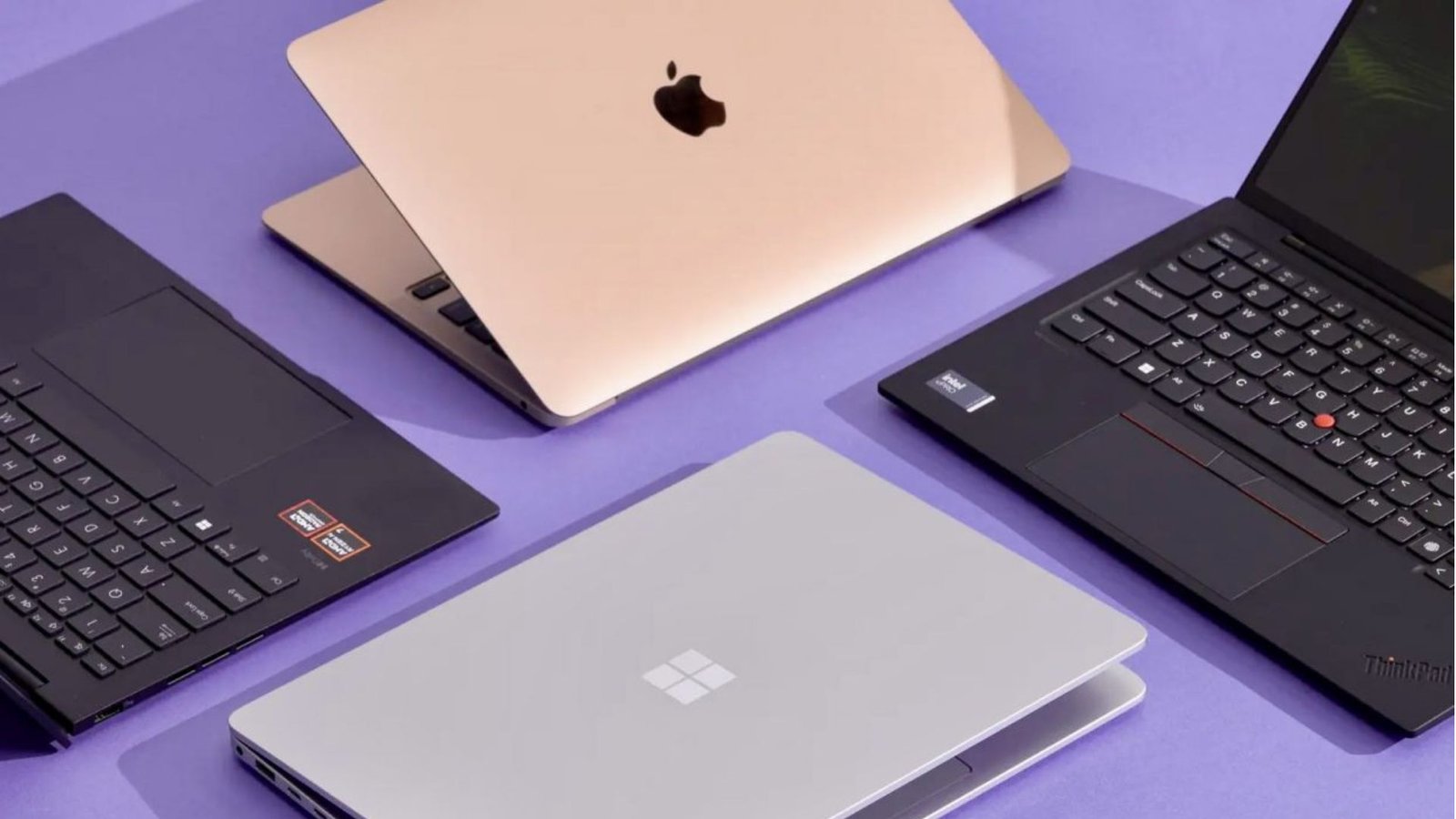
The year 2025 marks a pivotal moment in personal computing. With the mainstream arrival of sophisticated on-device AI capabilities, advancements in power efficiency, and the introduction of new connectivity standards, buying a laptop is more complex—and more exciting—than ever. It’s no longer just about the CPU speed; it’s about the integrated Neural Processing Unit (NPU), the display technology, and how seamlessly the device integrates into your connected life.
For anyone feeling overwhelmed by the alphabet soup of chips (like Intel Core Ultra, AMD Ryzen AI, and Apple M-series), this comprehensive Laptop Buying Guide is your essential roadmap. We cut through the jargon to help you pinpoint the exact specifications and features that matter most for your real-world usage, ensuring your investment is perfectly tailored to your needs and future-proofed for the decade ahead.
Table of Contents
1. Defining Your Digital Persona: The First Step in the Laptop Buying Guide
Before you even glance at a spec sheet, the most crucial step in any successful Laptop Buying Guide journey is honest self-assessment. Your perfect laptop depends entirely on what you intend to do with it.
The Student or Casual User (Focus: Portability and Battery Life)
You need a light, robust machine for research, essays, streaming, and video calls. Performance is secondary to battery life and weight.
- Target Specs: Intel Core Ultra 5 / AMD Ryzen 5, 8GB to 16GB RAM, 256GB SSD, and an emphasis on Wi-Fi 7 for blazing fast campus or coffee shop connectivity.
- Consider: A strong chassis that can handle daily commuting. For tips on maintaining your device’s longevity, you can check out maintenance resources on breezytips.com.
The Professional (Focus: Multitasking and Security)
Your laptop is your mobile office. You need sufficient processing power for large spreadsheets, multi-tab browsing, professional-grade conferencing, and reliable security features (like fingerprint readers and privacy shutters).
- Target Specs: Intel Core Ultra 7 / AMD Ryzen 7, 16GB to 32GB RAM, 512GB to 1TB SSD. Look for professional-grade operating systems like Windows Pro or macOS Sonoma.
The Creative/Power User (Focus: GPU and RAM)
You edit 4K video, design complex 3D models, or work with high-resolution photography. These tasks are intensely demanding on graphics and memory.
- Target Specs: High-end CPU (Intel Core Ultra 9 / AMD Ryzen 9 / Apple M-series Pro or Max), dedicated NVIDIA GeForce RTX 40-series or AMD Radeon RX graphics, and a minimum of 32GB RAM. A high-resolution, color-accurate display is essential.
The Gamer (Focus: Graphics Card and Cooling)
Performance reigns supreme. You need a potent combination of CPU and GPU, high refresh rate displays, and a robust cooling system to handle extended, high-fidelity gaming sessions.
- Target Specs: High-refresh rate screen (144Hz+), powerful dedicated GPU (RTX 4070 or higher), 16GB+ RAM, and often a larger form factor for better thermal management.
2. Deciphering the Core Specs: The Technical Laptop Buying Guide
The central hardware components determine the true capabilities of your machine. Navigating this section of the Laptop Buying Guide requires paying close attention to the latest generation numbers, as year-over-year gains are significant.
Processor (CPU & NPU)
The CPU is the brain, but in 2025, you must also consider the NPU (Neural Processing Unit). The NPU handles AI-specific tasks, such as background blurring in video calls, noise suppression, and local generative AI models, dramatically improving efficiency and battery life for these common activities.
- Intel: Look for Core Ultra (Series 1 and 2), which integrate the NPU directly, or the high-performance Core HX-series for raw power.
- AMD: The Ryzen AI series offers competitive NPU performance alongside strong CPU cores.
- Apple: The M-series chips continue to lead in performance-per-watt due to their unified memory architecture and potent Neural Engine.
For a detailed comparison of the latest chips, external resources like NotebookCheck.net offer excellent benchmark data to help inform your purchase decision.
Graphics (GPU)
Your choice here depends entirely on your needs:
- Integrated Graphics (iGPU): Found in most standard CPUs (e.g., Intel Arc, AMD Radeon, Apple’s unified cores). Perfect for casual use, streaming, and light photo editing.
- Dedicated Graphics (dGPU): Necessary for serious gaming, 3D rendering, and heavy video work. The higher the number (e.g., RTX 4090 vs. 4050), the greater the performance, but also the higher the cost and heat generation.
RAM (Random Access Memory)
RAM is the system’s short-term memory, enabling multitasking. The minimum standard for 2025 is 16GB.
- 8GB: Sufficient for ChromeOS or basic, single-tasking Windows/macOS use.
- 16GB: The sweet spot for most users and the baseline recommendation for this Laptop Buying Guide. It handles heavy browsing, medium multitasking, and office suites comfortably.
- 32GB+: Essential for professionals running virtual machines, editing high-resolution media, or advanced CAD work.
Storage (SSD)
In 2025, never settle for a traditional Hard Disk Drive (HDD). Always insist on a Solid State Drive (SSD) for lightning-fast boot times and application loading.
- Size: 512GB is the minimum usable size. 1TB is highly recommended for most users to ensure you don’t constantly worry about storage. If you rely heavily on cloud storage, 512GB might suffice, but if you store large files (like media or games), opt for 2TB or more. For tips on managing cloud storage efficiently, look for guides on breezytips.
3. Form Factor & Display: Experience Matters
The physical design of your laptop impacts daily usability more than almost any other factor.
Screen Size and Resolution
- 13 to 14 inches: Ideal for portability. Perfect for students and frequent travelers. Look for resolutions of 2.5K or higher for sharpness.
- 15 to 16 inches: The balance of screen space and manageability. Great for professionals who spend hours working on their device. 4K resolution is often excessive on a 15-inch screen and drains battery quickly; QHD (2560×1440) or 3K is often the best choice.
- 17 inches and up: Desktop replacements, mostly used by gamers or video editors who need maximum screen real estate and don’t plan to move the machine often.
Display Technology: OLED vs. Mini-LED
The display market is dominated by two premium technologies:
- OLED: Offers perfect blacks, infinite contrast, and stunning color vibrancy. Great for media consumption and creative work.
- Mini-LED: Provides excellent brightness, especially for HDR content, with less risk of burn-in than OLED. A strong contender, especially in high-end workstations.
Build Quality and 2-in-1s
A premium machine typically features an aluminum or magnesium alloy chassis for durability. If you need tablet functionality, a 2-in-1 convertible offers versatility but often comes with a slight weight penalty. Consider how often you will truly use the touch or tablet mode; for many, a standard clamshell design offers better rigidity and keyboard feel. A strong Laptop Buying Guide considers user interaction above all.
4. The OS Ecosystem Showdown
The operating system defines your software compatibility and ecosystem.
Windows 11
The most versatile option, offering the widest range of hardware configurations and software compatibility. It is the go-to for gamers and professionals needing specific industry software. The arrival of new “AI PCs” in 2025 has brought Windows a new layer of AI integration and efficiency.
macOS (Apple Silicon)
Known for its superior optimization, build quality, and incredible power efficiency thanks to the Apple M-series chips. It’s the platform of choice for many creatives. The seamless integration with iPhones and iPads is a major draw. For users switching from Windows, learning the new shortcuts and gestures is a small learning curve worth considering.
ChromeOS
Excellent for basic browsing, cloud-based tasks, and students on a tight budget. These laptops are fast, secure, and offer the longest battery life, but they struggle with demanding desktop applications.
5. Connectivity and Power: Modern Essentials
Modern connectivity is a non-negotiable part of this 2025 Laptop Buying Guide.
Ports
The trend towards thinner machines has reduced port selection, making adapters almost mandatory.
- USB4/Thunderbolt 4: Look for this standard, as it guarantees high-speed data transfer, high-resolution video output, and fast charging through a single port.
- HDMI/USB-A: Still necessary for connecting legacy devices and external monitors without adapters.
Wireless Technology
- Wi-Fi 7 (802.11be): This is the new standard for 2025, offering lower latency and significantly higher speeds than Wi-Fi 6E, especially in crowded networks. Future-proofing your laptop with Wi-Fi 7 is a smart move.
- 5G/LTE: For professionals who need guaranteed connectivity outside of Wi-Fi zones, built-in cellular support is invaluable.
Battery Life
With advancements in processor efficiency, the promise of all-day battery life is becoming a reality. Always look for reviews that quote real-world usage, not just manufacturer claims. A minimum of 8 hours of mixed use should be your baseline.
6. Budgeting and Final Advice
Setting Your Price Range
A practical Laptop Buying Guide must address budget constraints, as price often dictates performance.
- Under $700: Basic performance, often ChromeOS or entry-level Windows. Good for school or light web use.
- $700 – $1,500: The largest segment. This is where you find excellent mid-range machines with great screens, 16GB RAM, and capable CPUs/iGPUs.
- $1,500 – $2,500: Premium territory. Expect top-tier build quality, powerful components (including dedicated GPUs), and superior displays (OLED/Mini-LED). This is often the best value for serious professionals.
- $2,500+: High-end workstations and dedicated gaming beasts. Maximum power, best displays, and top-of-the-line cooling systems.
Don’t Skip Benchmarks
When comparing two similarly priced models, always refer to independent performance metrics. Sites like Geekbench offer standardized scores for CPUs, allowing you to objectively compare raw computing power.
Common Mistakes to Avoid, According to this Laptop Buying Guide
- Prioritizing only the CPU: A slow SSD or insufficient RAM will bottleneck a fast CPU. Ensure balanced components.
- Ignoring I/O: Thinking you can live with just one port is a common mistake. Ensure you have the connectivity you need, or budget for a quality hub.
- Overlooking the Keyboard and Trackpad: These are your primary input methods. Read reviews about their feel and reliability; a great screen is useless if typing is miserable.
Ultimately, your personalized Laptop Buying Guide will lead you to a machine that balances cost, portability, power, and battery life. By systematically reviewing your user needs and cross-referencing against the core components detailed above, you can confidently navigate the crowded market of 2025 and select the right model for you. This comprehensive Laptop Buying Guide ensures you make an informed decision that will serve you well for years to come.