 Skip to content
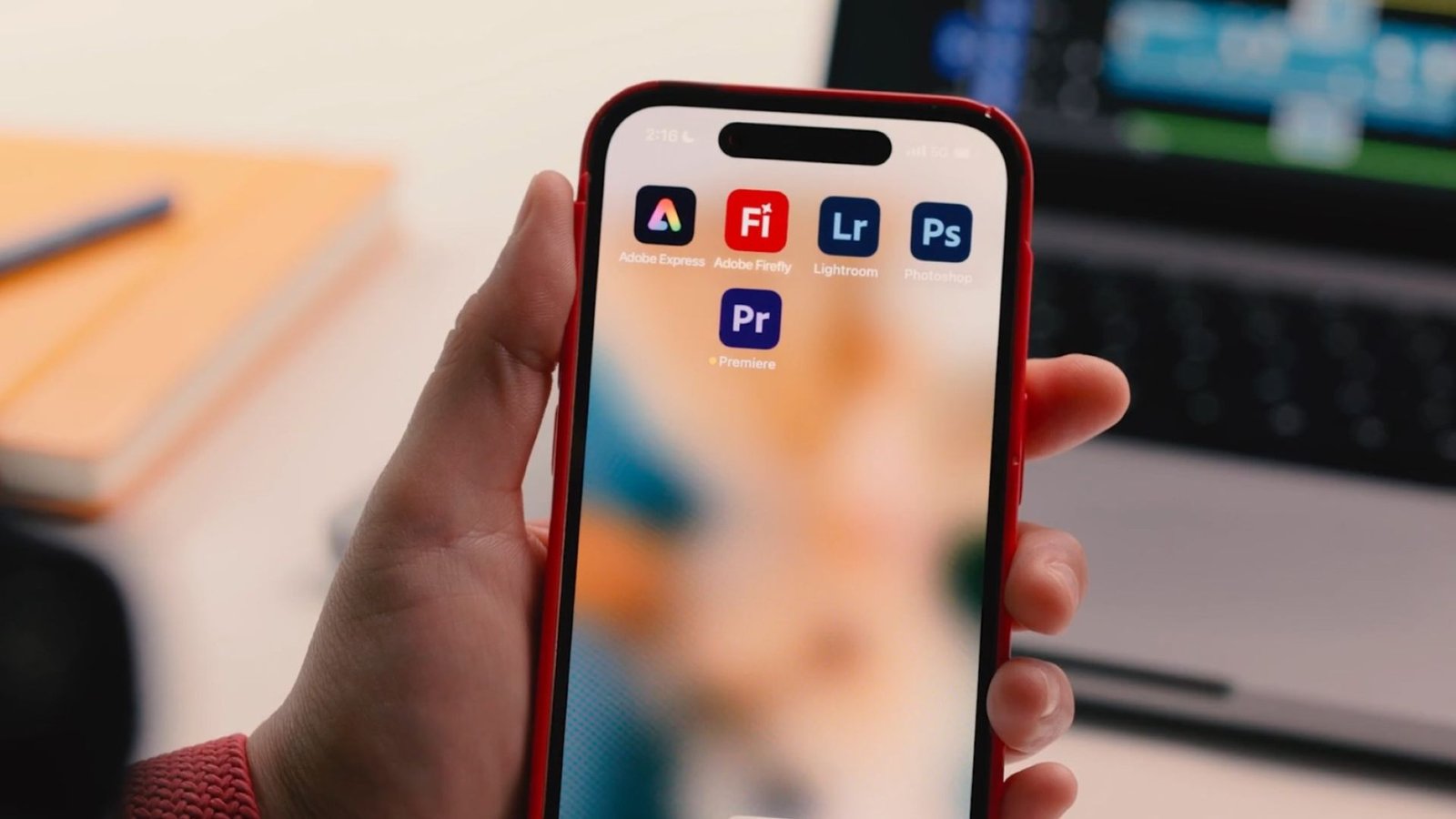
The digital world is buzzing. Adobe, the titan of creative software, has delivered on a promise that seems almost too good to be true for content creators: the launch of a full-featured Adobe Premiere Pro iPhone App—and it’s completely free. Gone are the days of having to pay a hefty subscription just to access basic mobile editing. This new app is a game-changer for casual creators, social media stars, and even seasoned professionals looking for an on-the-go solution.
However, in the world of freemium models, a spectacular free offering always comes with a caveat. The initial applause for the free app is quickly followed by the inevitable question: What’s the catch?
Table of Contents
The Jaw-Dropping Free Features: A New Era for Mobile Video
First, let’s appreciate the immense value Adobe is giving away without a cost, watermark, or even requiring an Adobe account for basic local exports. The new Adobe Premiere Pro iPhone App is not a pared-down, lite version; it’s a robust, touch-optimized tool that replaces the former Premiere Rush app and immediately competes with established paid mobile editors.
The core free features that have creators flocking to the App Store include:
- Unlimited Multi-Track Timeline: Unlike many rivals, the app provides a lightning-fast, unlimited timeline for video, audio, and text layers. This is essential for complex video compositions and a major pro-level feature.
- 4K HDR Export Support: Content creators can finally edit and export high-resolution, high-dynamic-range video directly from their iPhone. This level of quality is a must-have for modern platforms like YouTube and Instagram.
- Frame-Accurate Editing: The app is designed for precision, allowing users to trim and fine-tune clips with the same level of control expected from the desktop version. This eliminates the “slop” often found in simpler mobile editors.
- One-Tap Social Sharing: It includes a clever feature that allows one-tap publishing to popular platforms like TikTok, YouTube Shorts, and Instagram, automatically resizing and formatting the video for each specific aspect ratio. This is a massive time-saver for anyone managing multiple social channels.
This free suite of tools instantly positions the Adobe Premiere Pro iPhone App as the new standard for mobile video. As content creation continues its shift to being mobile-first, a tool this powerful and free is a disruptive force.
The Catch: Where the Free Ride Ends
So, if the editing experience is so robust, where does Adobe draw the line? The “catch” with the free Adobe Premiere Pro iPhone App is twofold: it revolves around Generative AI and Cloud Storage, which are the natural monetization points for a modern creative platform.
1. Generative AI Features and Firefly Credits
The most exciting, cutting-edge tools in the new app—the ones that differentiate it from every other mobile editor—are tied directly to Adobe’s generative AI, powered by Firefly.
While the app uses AI for helpful assistive tools like Enhance Speech (which removes background noise for crystal-clear voiceovers) and automatic captioning, the truly transformative features require payment.
These paid, generative AI features include:
- Generative Sound Effects: The ability to use a simple text prompt (or even your voice as a guide) to create new, unique, and perfectly timed sound effects.
- AI Text to Image/Sticker Generation: Using Firefly to create custom, commercially safe images, video stickers, or even expanding image backgrounds from a simple text description.
To utilize these generative features, users must purchase Generative Credits. These credits act as a currency: you “spend” them to generate assets using the Firefly AI models. While existing Creative Cloud subscribers may have a monthly allowance of these credits, free users must pay for them à la carte or subscribe to a higher-tier plan.
This is a smart play by Adobe. They give away the foundational editing tools for free, establishing the Adobe Premiere Pro iPhone App as an essential part of the mobile workflow. Then, they monetize the bleeding-edge, time-saving AI features, which are highly attractive to professional content creators and power users. This strategy ensures the app is both accessible to beginners and profitable from those who need the most advanced features.
2. Cloud Storage and Desktop Integration
The second catch concerns cloud storage and the seamless ecosystem integration that Adobe is famous for. The free app allows you to edit and save projects locally on your iPhone and export them without a watermark. However, once you start generating high-quality 4K videos, storage space quickly becomes an issue.
The free tier offers limited (or no) dedicated cloud storage for project backups and assets. To get significant storage—the kind you need to manage multiple large projects—you’ll need to purchase additional storage or subscribe to an Adobe Creative Cloud plan.
More importantly, the famed workflow where you start a cut on your iPhone and seamlessly finish it on your desktop Premiere Pro (a feature known as Mobile-to-Desktop sync) requires an existing desktop subscription. This means the ability to transfer projects with full fidelity to the more powerful Premiere Pro desktop software, leveraging the full power of the Adobe ecosystem, is reserved for paying Creative Cloud customers.
The Privacy Trade-Off: An Understated Concern
While the payment catch is transparent (pay for credits, pay for storage), a more subtle, yet crucial, trade-off for the free Adobe Premiere Pro iPhone App is the aspect of data privacy.
As with many free apps from major tech companies, the user often becomes the product. Adobe’s terms and conditions indicate that they collect a significant amount of user data, including usage data, contact information, and potentially other “identifiers.” This data is generally used to improve the app, personalize the user experience, and refine their AI models (though Adobe states they don’t use your content to train models).
For the average user, this is a standard agreement for a free service. However, for professionals or those who value their digital anonymity, this is a valid concern that must be weighed against the benefit of the free tools. The trade-off is this: convenience and powerful free tools in exchange for your usage data. This is a common structure in the digital economy and is arguably the real invisible cost of using the app for free.
The Strategic Brilliance of Adobe’s Free App
The launch of the free Adobe Premiere Pro iPhone App is not an act of charity; it is a brilliant strategic maneuver that is set to reshape the mobile video editing landscape.
- Eliminating the Competition: By offering the multi-track timeline, 4K HDR support, and a watermark-free export for free, Adobe instantly neuters the value proposition of rival mobile editors like CapCut, LumaFusion, and InShot. Why pay for or tolerate watermarks on a less-featured app when you can have the power of Adobe Premiere Pro iPhone App for free?
- Building the Ecosystem Pipeline: The free app acts as the perfect funnel. Beginners and casual creators get hooked on the smooth, powerful workflow. As their needs grow, the monetization points—the AI credits and the lure of seamless desktop integration—gently nudge them toward a full Creative Cloud subscription. It is the ultimate “try before you subscribe” model, ensuring that the next generation of professional creators is already deeply integrated into the Adobe ecosystem.
- Future-Proofing Mobile Workflows: The app’s portrait-first, touch-optimized design demonstrates that Adobe is serious about supporting mobile-first workflows. Its integration with generative AI is a clear signal of the future of content creation, where assets are conjured instantly rather than sourced or recorded. This strategic move ensures Adobe remains relevant in a world where a significant portion of all video is captured and published entirely from a smartphone.
If you’re ready to dive into the world of mobile editing, you’ll need to make sure your iPhone is perfectly optimized. For great tips on getting the most out of your Apple devices, visit BreezyTips Tech Guides.
In conclusion, the Adobe Premiere Pro iPhone App is a genuinely free, world-class mobile video editor. The catch is straightforward: you pay with either your money for advanced AI features and cloud storage, or you pay with your data for the free core tools. For the vast majority of creators, this trade-off is more than fair, ushering in a new era where professional-grade video editing is truly in the palm of your hand. This is a must-download for anyone serious about mobile content creation.






