 Skip to content
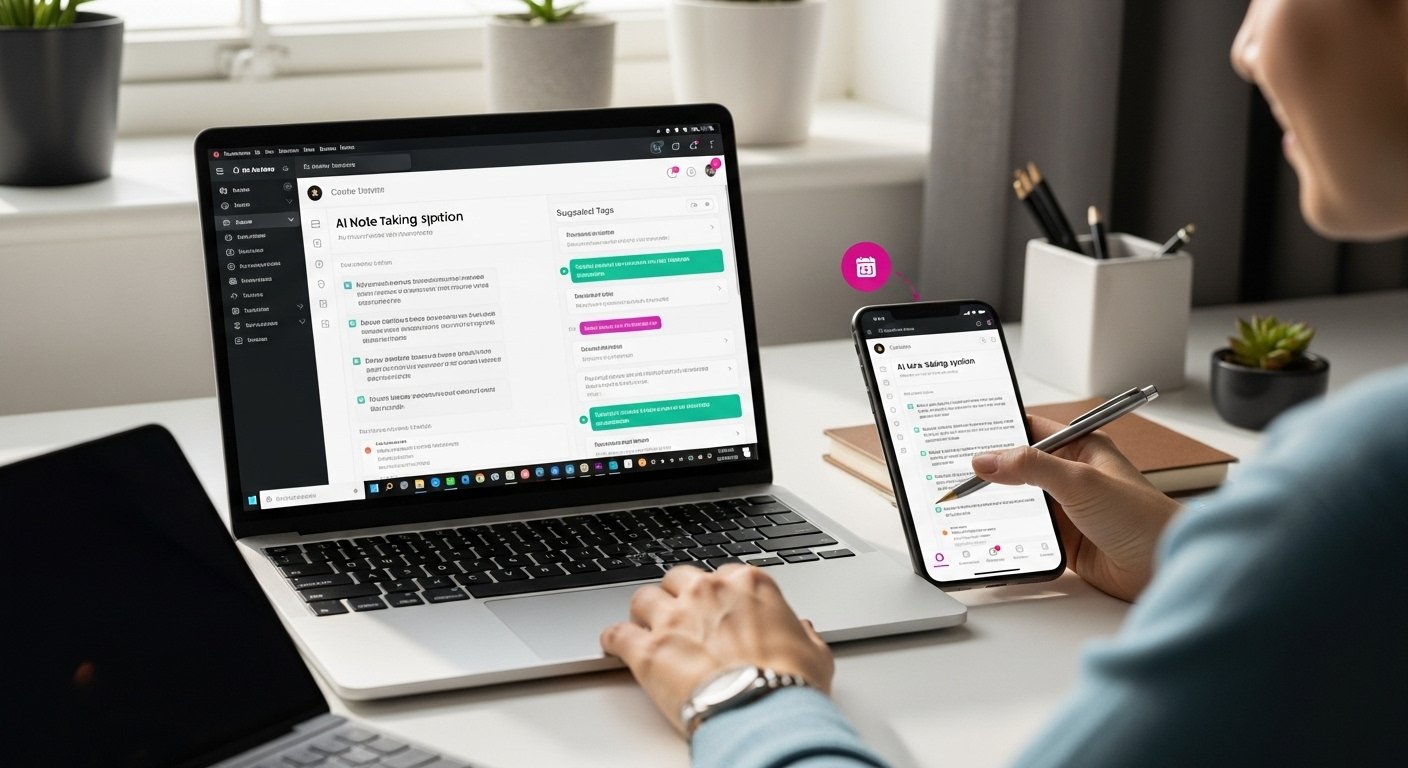
AI note-taking tools are quietly becoming the secret weapon for students, professionals, and anyone drowning in information overload. Some platforms now claim to transcribe meetings in real time and even recognize handwritten notes. But here’s what really stands out. A study from Purdue found that choosing the right tool can boost retrieval speed by up to 40 percent compared to traditional note apps. Picking the right AI note-taker is less about the fanciest tech and more about knowing your own style—because the perfect match could completely change the way you work and remember.
Table of Contents
- Step 1: Choose The Right AI Note-Taking Tool
- Step 2: Set Up Your Account And Preferences
- Step 3: Integrate With Other Digital Tools
- Step 4: Start Capturing Notes Automatically
- Step 5: Organize And Categorize Your Ideas
- Step 6: Review And Optimize Your Note-Taking Process
Quick Summary
| Key Point | Explanation |
|---|---|
| 1. Choose an intuitive AI tool | Evaluate various features and select a note-taking tool that integrates well into your workflow. |
| 2. Customize account settings | Personalize preferences, security settings, and integration options to optimize the tool for your specific needs. |
| 3. Integrate with digital platforms | Connect your note-taking tool with cloud storage and productivity apps to streamline workflows and enhance accessibility. |
| 4. Utilize automatic note capture | Set up automatic methods for capturing notes to streamline information gathering and reduce manual input. |
| 5. Regularly review and optimize | Conduct periodic reviews of your note-taking process to identify areas for improvement and refine your system. |
Step 1: Choose the Right AI Note-Taking Tool
Selecting the ideal AI note-taking tool requires careful consideration and strategic evaluation. Your goal is to find a digital companion that transforms how you capture, organize, and retrieve information effortlessly.
Start by assessing your specific needs and workflow requirements. Not all AI note-taking tools are created equal. Some excel at capturing quick thoughts, while others specialize in complex research organization. Consider the types of notes you typically create: are they academic research notes, professional meeting summaries, creative brainstorming, or personal journal entries?
According to Purdue University’s guide on evaluating AI tools, key selection criteria should include:
- Accessibility: Can you access the tool across multiple devices?
- Accuracy: How reliable are the tool’s transcription and organization features?
- Integration: Does it connect smoothly with your existing productivity ecosystem?
Next, examine the tool’s specific AI capabilities. Look for features like automatic tagging, intelligent search functions, and context-aware organization. Some advanced tools can even recognize handwritten notes, convert voice recordings into text, and suggest relevant connections between your notes.
Pricing is another critical factor. Many AI note-taking tools offer tiered pricing models, ranging from free basic versions to comprehensive professional plans. Evaluate whether the premium features justify the additional cost for your specific use case. Some tools provide free trials, which allow you to test functionality before committing to a subscription.
Privacy should be a top consideration. Ensure the AI note-taking tool you select has robust data protection measures and clearly communicates how your information will be handled. Read the terms of service carefully and understand the tool’s data retention and sharing policies.
Below is a comparison table to help you evaluate and choose an AI note-taking tool based on critical features discussed in the article.
| Feature | Why It Matters | What to Look For |
|---|---|---|
| Accessibility | Access notes across devices and stay productive anywhere | Web, mobile, cross-platform support |
| Accuracy | Ensure reliable transcriptions and organized content | High transcription and search precision |
| Integration | Connect with your existing workflow and digital tools | Compatibility with cloud, calendar, apps |
| AI Capabilities | Enhance efficiency through automation and intelligent features | Tagging, summarization, learning ability |
| Pricing | Stay within budget and assess value for features | Free tier, trials, transparent pricing |
| Privacy & Security | Protect sensitive information and control data usage | Encryption, clear privacy policies |
Ultimately, the best AI note-taking tool feels intuitive and seamlessly integrates into your daily workflow. Trust your instincts and choose a tool that not only meets your technical requirements but also feels comfortable and natural to use.
Step 2: Set Up Your Account and Preferences
Once you have selected your preferred AI note-taking tool, the account setup process becomes your gateway to a more organized digital workspace. This critical step transforms your chosen application from a generic platform into a personalized productivity powerhouse.
Begin by visiting the tool’s official website and locating the account registration section. Most AI note-taking platforms offer multiple sign-up options, including email registration, social media account linking, or institutional credential authentication. Choose the method that provides the most secure and convenient access for your specific needs.
According to Cornell University’s guidance on AI tool setup, you should carefully review the platform’s privacy settings during initial configuration. Pay close attention to data sharing permissions, storage locations, and potential access by third-party services.
During account creation, you will typically encounter a series of preference configuration screens. These settings are more than mere formalities – they determine how intelligently your AI tool will support your note-taking workflow. Consider the following customization options:
- Language preferences: Select your primary language for transcription and organization
- Notification settings: Configure how and when you receive updates about notes, suggestions, and system alerts
- Integration permissions: Connect with other productivity tools like calendar apps or cloud storage services
Take time to explore the tool’s advanced settings. Some AI note-taking platforms offer sophisticated features like automatic tag generation, context-based note clustering, and intelligent search capabilities. These options can dramatically enhance your note management experience, so experiment with different configurations to find your optimal setup.
Security represents another crucial aspect of account configuration. Create a strong, unique password and enable two-factor authentication if available. This additional layer of protection helps safeguard your potentially sensitive notes and personal information.
Finally, complete your account setup by verifying your email address or phone number. Most platforms require this step to activate full functionality and ensure you can recover your account if needed. Once verified, spend a few minutes exploring the user interface and familiarizing yourself with the basic navigation and core features. Your careful setup now lays the groundwork for a powerful, personalized AI note-taking experience.
Step 3: Integrate with Other Digital Tools
Integrating your AI note-taking tool with other digital platforms transforms it from a standalone application into a powerful productivity ecosystem. This step bridges the gap between your various digital workspaces, creating a seamless information management experience.
Cloud storage integration becomes your first priority. Most AI note-taking tools offer direct connections with popular platforms like Google Drive, Dropbox, and Microsoft OneDrive. By establishing these links, you enable automatic synchronization of your notes across multiple devices and create robust backup systems.
According to New York University’s research on AI tool integration, connecting your note-taking application with research and productivity platforms can significantly enhance your workflow efficiency. Look for native integrations that allow direct data transfer between your chosen platforms.
Calendar synchronization represents another critical integration point. Many AI note-taking tools can automatically generate meeting notes, extract action items, and link them directly to your existing calendar events. This feature eliminates manual note transcription and ensures critical information is captured and organized instantly.
Consider these strategic integration approaches:
- Productivity suites: Connect with tools like Slack, Microsoft Teams, and Notion
- Research platforms: Link with academic databases and reference management software
- Communication tools: Enable seamless note sharing and collaboration
Pay special attention to your tool’s API capabilities. Some advanced AI note-taking platforms offer custom integration options that allow you to create personalized workflows between different applications. This might involve writing simple scripts or using third-party automation services like Zapier to create custom data transfer protocols.
Security remains paramount during integration. Always verify the permissions you’re granting and review the data-sharing policies of each connected platform. Some integrations might require additional authentication steps or specific consent configurations.
After completing your integrations, perform a comprehensive test run. Create a sample note, trigger synchronization across different platforms, and verify that information transfers accurately and securely. This final verification ensures your AI note-taking ecosystem functions smoothly, providing a reliable and efficient digital workspace tailored precisely to your needs.
Step 4: Start Capturing Notes Automatically
Automatic note-taking represents a revolutionary approach to information capture, transforming how you collect and process ideas across various contexts. This step marks the transition from manual note management to an intelligent, AI-powered system that captures information seamlessly and efficiently.
Begin by configuring your tool’s automatic capture settings, which typically include multiple input methods. Voice recording, web browser extensions, email integrations, and meeting transcription features offer diverse ways to collect information without manual intervention. The key is selecting the capture methods that align most closely with your typical information gathering workflow.
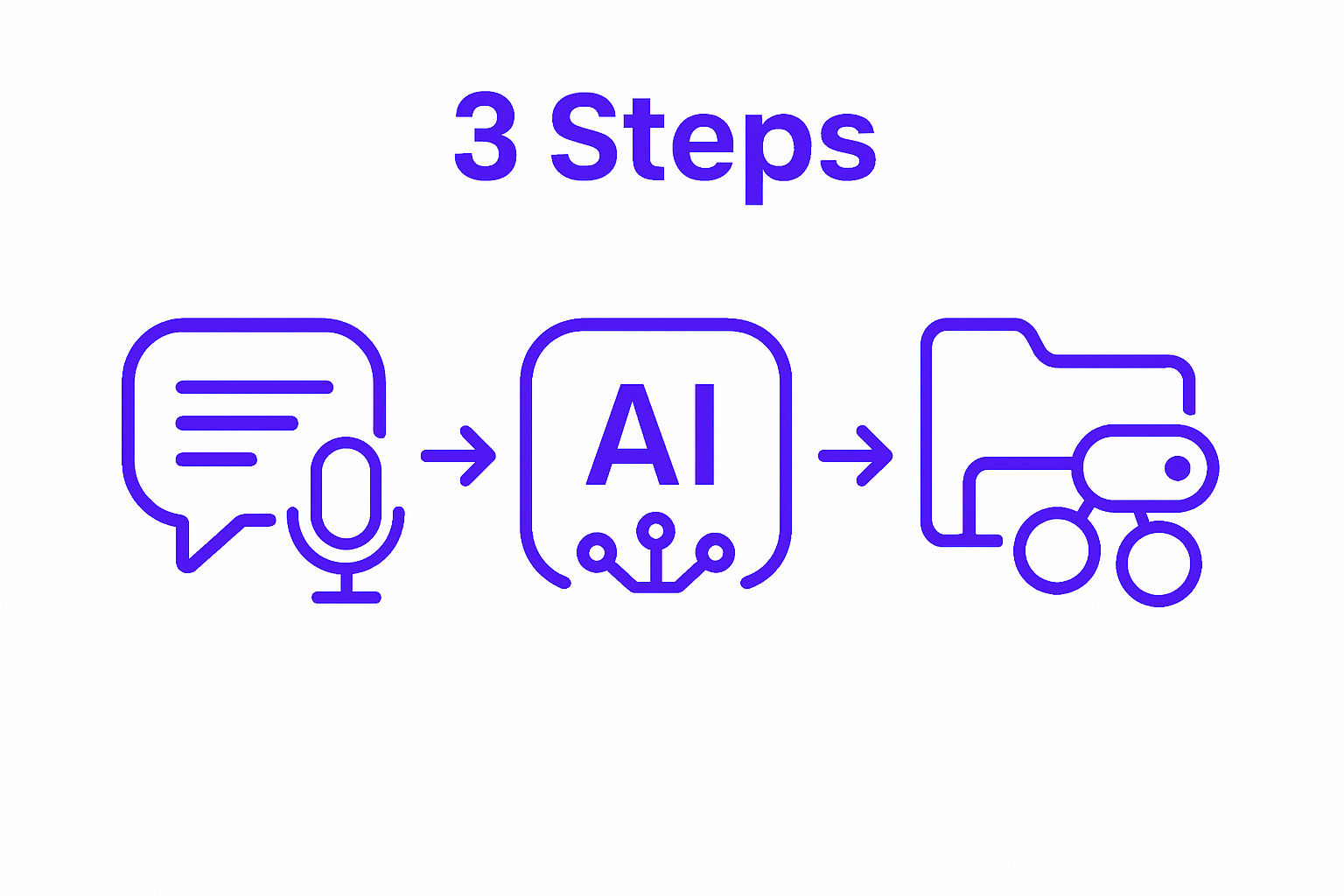
According to University of Maryland’s guidance on AI note-taking, users should carefully consider the context and sensitivity of information being automatically captured. Not every conversation or document requires comprehensive recording, so develop a strategic approach to automatic note generation.
Virtual meeting transcription represents one of the most powerful automatic note-taking features. Configure your AI tool to join scheduled meetings, generating real-time transcripts and extracting key discussion points. Look for tools that offer intelligent summarization, highlighting action items, decisions, and critical insights without requiring manual review.
Consider these strategies for maximizing automatic note capture:
- Browser extensions: Capture web article highlights and research materials instantly
- Voice recording: Transform spoken thoughts into written notes during commutes or creative moments
- Email integration: Automatically extract important information from incoming messages
Customize your AI’s learning parameters to improve accuracy over time. Most advanced note-taking tools use machine learning algorithms that adapt to your specific language patterns, professional terminology, and note-taking preferences. Spend time reviewing and refining initial automatic captures, providing feedback that helps the system become more precise.
Privacy and consent remain critical considerations. Always inform meeting participants when automatic transcription is active and ensure you have appropriate permissions. Some professional environments have specific guidelines about recording conversations, so familiarize yourself with relevant protocols.
Verify your automatic note-taking setup by conducting a few test runs across different scenarios. Review the generated notes for accuracy, comprehensiveness, and relevance. Make incremental adjustments to your capture settings, gradually developing a personalized system that feels natural and supports your unique information management needs.
Step 5: Organize and Categorize Your Ideas
Transforming your raw notes into a structured, meaningful knowledge system requires strategic organization and intelligent categorization. This critical step turns scattered information into a powerful, searchable repository of insights that grows more valuable with each added note.
Develop a consistent tagging and labeling strategy that reflects your thinking patterns and professional needs. Most AI note-taking tools offer sophisticated tagging systems that go beyond simple folder structures. Leverage these features to create a dynamic, interconnected network of ideas that can be easily retrieved and cross-referenced.
According to Louisiana State University’s guide on research organization, effective digital organization involves more than just sorting documents. The goal is to create a flexible system that supports your cognitive workflow and adapts to evolving project requirements.
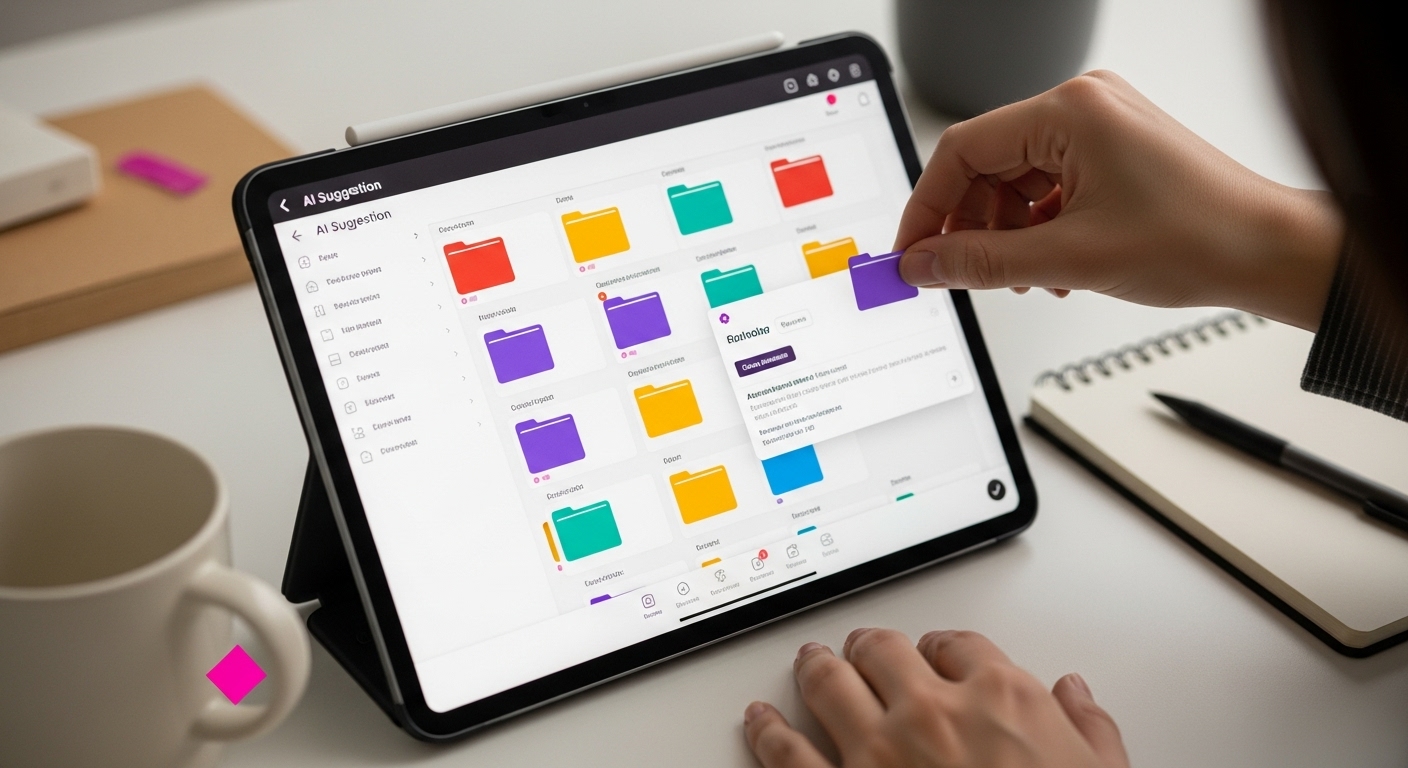
Utilize your AI tool’s intelligent categorization features. Advanced platforms can automatically suggest tags, create relationship maps between notes, and identify thematic connections you might have missed. These AI-powered suggestions can reveal unexpected insights and help you understand the broader context of your accumulated knowledge.
Consider implementing these organizational strategies:
- Hierarchical tagging: Create nested categories that allow granular yet interconnected organization
- Context-based sorting: Group notes by project, priority, or emotional context
- Time-based archiving: Automatically archive older notes while maintaining searchability
Regularly audit and refine your organizational system. Set aside time monthly to review your note categories, merge redundant tags, and ensure your digital knowledge base remains clean and navigable. This maintenance prevents information clutter and keeps your note-taking system agile and responsive.
Experimentation is key to developing an organizational approach that feels natural and intuitive. Don’t be afraid to modify your system as your work and research evolve. Some AI note-taking tools offer visualization features like mind mapping or relationship graphs, which can help you understand the connections between your ideas more deeply.
Verify the effectiveness of your organization by conducting several test searches. Can you quickly locate specific information? Do the suggested connections make sense? A well-organized system should feel like an extension of your thinking process, reducing cognitive load and making information retrieval almost instantaneous.
Step 6: Review and Optimize Your Note-Taking Process
Optimizing your AI note-taking workflow is an ongoing journey of continuous improvement, transforming your digital note-taking from a basic recording system into a sophisticated knowledge management engine. This final step focuses on refining your approach, identifying potential inefficiencies, and leveraging AI capabilities to enhance your productivity.
Schedule regular review sessions dedicated to analyzing your note-taking performance. These periodic evaluations allow you to step back and critically examine how effectively your current system captures, organizes, and retrieves information. Look for patterns in missed opportunities, repeated manual interventions, or areas where the AI tool’s suggestions don’t quite align with your thinking process.
According to Cornell University’s guide on note-taking strategies, systematic review is crucial for developing an adaptive, responsive note-taking system. Pay attention to metrics like search efficiency, note retrieval speed, and the relevance of AI-generated suggestions.
Leverage your AI tool’s built-in analytics and performance tracking features. Many advanced platforms provide detailed insights into your note-taking habits, including metrics on capture frequency, tag usage, and information retention. These analytics serve as a powerful diagnostic tool, helping you understand your cognitive patterns and identify areas for improvement.
Consider implementing these optimization strategies:
- Performance tracking: Monitor how quickly you can find and utilize stored information
- Suggestion refinement: Provide feedback to improve AI-generated tags and connections
- Workflow adaptation: Adjust capture methods based on changing project requirements
Experiment with advanced AI features that can elevate your note-taking beyond basic recording. Some tools offer intelligent summarization, which can distill lengthy notes into concise, actionable insights. Others provide predictive suggestions that anticipate your information needs based on historical usage patterns.
Maintain a flexible mindset during this optimization process. Your ideal note-taking system will evolve alongside your professional development and changing technological capabilities. Don’t hesitate to completely redesign your approach if your current method no longer serves your needs effectively.
Verify the success of your optimization efforts by conducting comprehensive tests. Can you retrieve information faster? Are the AI suggestions more accurate and relevant? Your ultimate goal is a note-taking system that feels like a natural extension of your thinking process, reducing cognitive load and amplifying your ability to capture, understand, and utilize knowledge.
Ready to Master Effortless Organization?
If learning about AI note-taking tools made you realize how tricky it can be to stay organized and keep your ideas in order, you’re not alone. Many people struggle with inconsistent note capture, forgotten details, or the overwhelming task of sorting through scattered thoughts. Whether you want smoother daily routines or are searching for helpful life and productivity hacks, finding the right system can relieve a lot of stress. The article explains how the right tools and simple strategies can boost your efficiency and give your mind some breathing room.
At Home, we create guides that help you conquer challenges just like these. Looking for quick wins to improve your workflow or tips to solve everyday snags? Explore our full library of Home tailored to real-life needs. Start transforming your routines today so you can focus on what matters most. Visit Home now and discover smarter ways to organize your ideas.
Frequently Asked Questions
What features should I look for in an AI note-taking tool?
When choosing an AI note-taking tool, consider features like automatic tagging, intelligent search functions, cloud storage integration, and the ability to handle various types of notes (e.g., voice recordings or handwritten notes).
How can I set up my AI note-taking account securely?
For secure setup, create a strong, unique password, enable two-factor authentication if available, and review privacy settings during the account configuration to manage data sharing permissions.
What are the benefits of integrating my AI note-taking tool with other digital platforms?
Integrating your AI note-taking tool with platforms like Google Drive or calendar apps helps synchronize notes, streamline information management, and ensure that critical details from meetings are captured and organized automatically.
How can I optimize my AI note-taking process over time?
Regularly review your note-taking performance, monitor metrics like search efficiency and tag usage, and explore advanced AI features like intelligent summarization. Continuous adjustments based on feedback will enhance accuracy and relevance in your system.






