 Skip to content
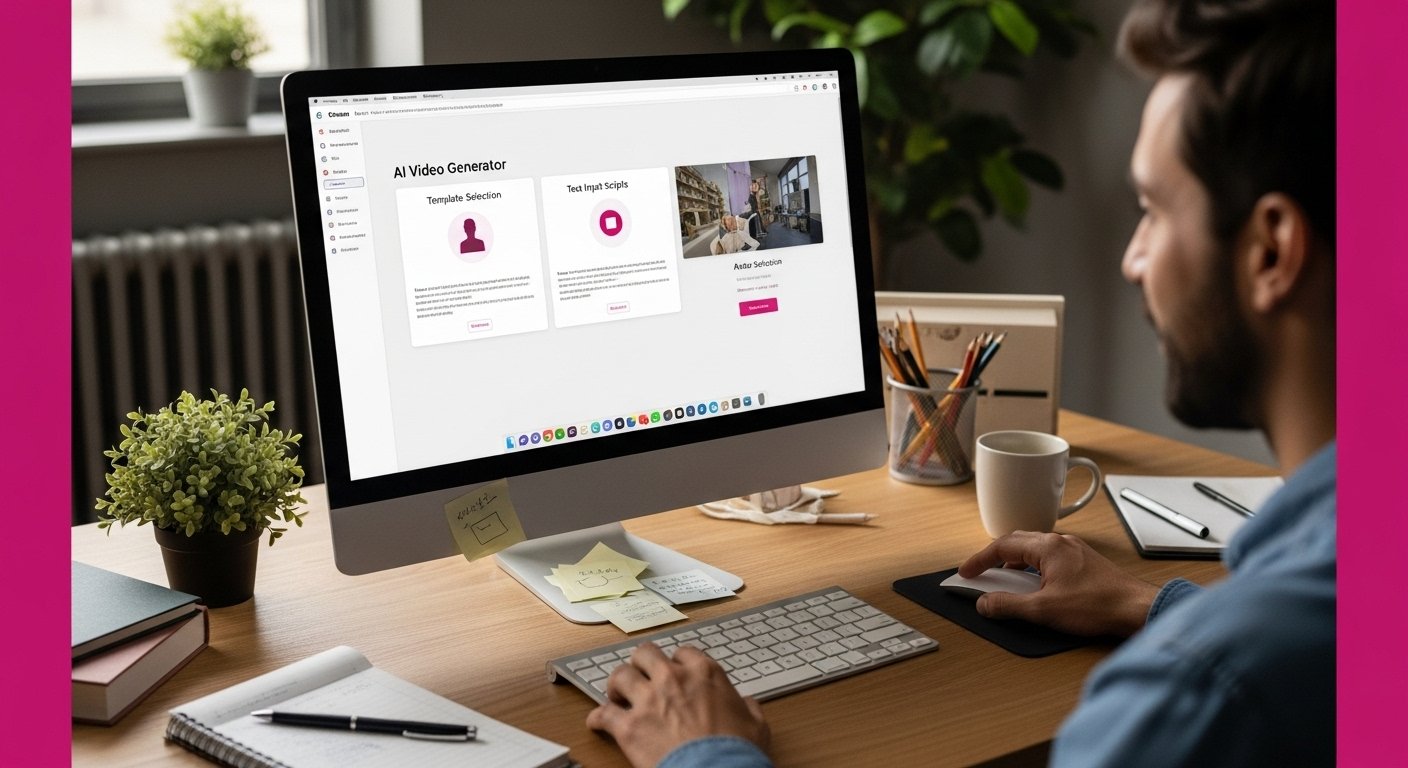
Creating professional-looking videos used to mean mastering complicated software or hiring expensive video teams. Now, more people are turning to AI generators that can craft polished videos in minutes. Here is the surprise: over 85 percent of marketers now use video tools powered by artificial intelligence, slashing production time and costs dramatically. Most people still believe you need technical expertise to make high-quality content, but the truth is these new AI platforms put powerful video creation in anyone’s hands—no editing experience required.
Table of Contents
- Step 1: Choose An AI Video Generator Tool
- Step 2: Sign Up And Set Up An Account
- Step 3: Select A Video Template Or Format
- Step 4: Customize Video Content And Elements
- Step 5: Preview And Edit Your Video
- Step 6: Export And Share Your Final Video
Quick Summary
| Key Point | Explanation |
|---|---|
| 1. Choose the right AI video tool | Select an AI video generator that aligns with your project requirements and technical competence to streamline video creation. |
| 2. Follow the proper account setup | Complete your account registration carefully, using a professional email to ensure security and ease of use moving forward. |
| 3. Select appropriate video templates | Choose video templates that match your project goals and audience, ensuring flexibility for customization and brand alignment. |
| 4. Effectively customize video content | Personalize your video by refining the script, selecting voice styles, and modifying visuals to create a connection with viewers. |
| 5. Preview and edit diligently | Use the preview stage to assess and refine your video, checking for accuracy, consistency, and overall impact before finalizing. |
Step 1: Choose an AI Video Generator Tool
Selecting the right AI video generator is your gateway to transforming complex video creation into a simple, streamlined process. These powerful machine learning tools have revolutionized content production by allowing users to create professional videos without extensive technical skills or expensive equipment.
Understanding Your Video Generation Needs
Before diving into tool selection, assess your specific requirements. Are you creating marketing content, educational videos, social media posts, or personal projects? Different AI video generators excel in various domains, so matching the tool to your precise needs is crucial. Some platforms specialize in corporate training videos, while others shine in creating engaging social media content.
When exploring AI video generation tools, consider these key factors:
- Ease of Use: Look for intuitive interfaces that don’t require advanced editing skills
- Video Quality: Check resolution and rendering capabilities
- Customization Options: Ensure the tool offers sufficient templates and personalization features
- Pricing Structure: Compare free and paid plans to find the best value
Popular AI video generator platforms like Synthesia offer comprehensive solutions for businesses and creators. These tools typically provide AI-powered avatars, text-to-speech capabilities, and multiple language support, making video production more accessible than ever.
Your ideal AI video generator should feel like a collaborative partner, transforming your creative vision into polished visual content with minimal technical intervention.
Below is a summary table of key considerations when selecting an AI video generator, helping you match the platform to your specific needs.
| Consideration | Description | Example Platforms |
|---|---|---|
| Ease of Use | Intuitive interfaces, minimal technical skills required | Synthesia |
| Video Quality | Resolution and rendering capabilities | Synthesia |
| Customization Options | Availability of templates and personalization features | Synthesia |
| Pricing Structure | Range of free and paid plans offered | Synthesia |
| Target Domain | Specialization (e.g., marketing, education, social media) | Synthesia |
| By carefully evaluating your needs and exploring available options, you’ll find a tool that makes video creation feel effortless and exciting. |
Remember that the best tool is the one that aligns closest with your specific project requirements and technical comfort level. Don’t be afraid to experiment with free trials to discover the perfect fit for your video generation journey.
Step 2: Sign Up and Set Up an Account
Once you have selected your preferred AI video generator, creating an account is your next critical step toward transforming your video creation process. This phase might seem straightforward, but strategic account setup can significantly impact your future user experience.
Navigating the Registration Process
Most AI video generation platforms offer multiple registration methods to simplify your onboarding. You can typically sign up using your existing Google, LinkedIn, or email credentials. Pro tip: Use a professional email address that you regularly check, as this will be crucial for account recovery and communication about platform updates.
When completing your account registration, pay close attention to the details you provide. Some platforms like Synthesia require additional information about your professional background or intended use of the video generation tool. This helps them customize your initial experience and recommend relevant features.
Key considerations during account setup include:
- Verification Process: Be prepared to confirm your email address
- Password Security: Create a strong, unique password
- Profile Completion: Add relevant details about your professional needs
- Subscription Selection: Choose between free trial or paid plans
After successfully creating your account, take time to explore the platform’s dashboard and familiarize yourself with available tools and settings.
Here is a checklist table to guide you through the critical steps during AI video generator account setup, ensuring a smooth onboarding experience.
| Step | Action Required | Purpose |
|---|---|---|
| Email Verification | Confirm your email address | Secure account access |
| Password Creation | Choose a strong, unique password | Protect your account |
| Profile Completion | Add relevant professional or project details | Customize recommendations |
| Subscription Selection | Select free trial or paid plan | Define access to features |
| Platform Walkthrough | Explore dashboard and tutorials | Get familiar with tools and settings |
| Many AI video generators offer introductory tutorials or guided walkthroughs that can help you understand the platform’s capabilities quickly. |
Remember that your initial account setup is just the beginning of your AI video generation journey. Most platforms continuously update their features, so regularly checking your account settings and exploring new tools will help you maximize the platform’s potential. Don’t be intimidated by the technology – these tools are designed to make video creation more accessible and enjoyable for everyone.
Step 3: Select a Video Template or Format
Choosing the right video template or format is like selecting the perfect outfit for an important presentation – it sets the tone, communicates your message, and creates a lasting impression. AI video generators offer an impressive array of templates designed to suit various professional and creative needs.
Understanding Template Varieties
Video templates are more than just visual backgrounds; they’re strategic frameworks that guide your content creation. Different platforms provide templates tailored for specific purposes, such as corporate training videos, marketing presentations, social media content, and educational materials. Pro tip: Look for templates that align closely with your project’s goals and target audience.
When exploring template options, consider these critical factors:
- Professional Aesthetic: Choose templates that reflect your brand’s visual identity
- Content Flexibility: Ensure the template allows sufficient customization
- Target Audience Relevance: Select designs that resonate with your viewers
- Technical Compatibility: Check template resolution and compatibility with your intended distribution platforms
Most AI video generation platforms like Synthesia offer preview capabilities, allowing you to test templates before committing. This feature helps you visualize how your content will look and feel, ensuring you select the most appropriate design for your project.
Don’t be afraid to experiment with different templates. Many creators find unexpected inspiration by exploring options outside their initial comfort zone. The beauty of AI video generators is their ability to provide professional-looking designs with minimal technical expertise.
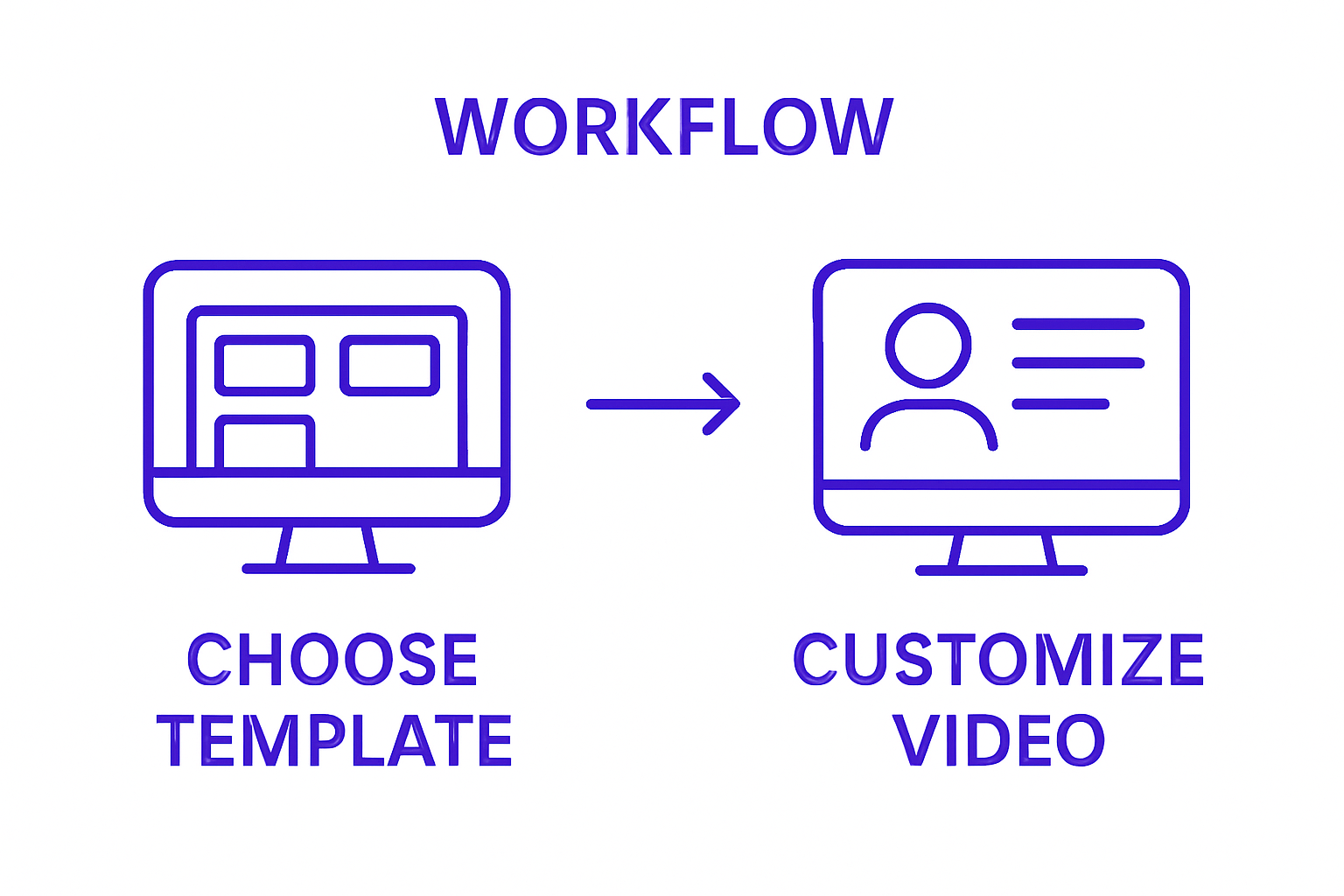
Remember that a great template should feel like a natural extension of your content, enhancing your message rather than overshadowing it. Take your time, preview multiple options, and trust your creative instincts when making your final selection.
Step 4: Customize Video Content and Elements
Customizing your video content transforms a generic template into a personalized masterpiece that speaks directly to your audience. This crucial step allows you to infuse your unique brand voice, messaging, and creative vision into the AI-generated framework.
Tailoring Your Video’s Core Elements
Starting with text input is typically the most straightforward approach to customization. Most AI video generators allow you to craft a detailed script or narrative that the platform will then translate into visual content. Pro tip: Write your text as if you’re speaking directly to your target audience, using clear, conversational language that matches your brand’s tone.
Key customization options to explore include:
- Script Refinement: Adjust text to match your precise communication goals
- Voice Selection: Choose from multiple AI-generated voice styles and languages
- Avatar Customization: Select or modify digital presenters to represent your brand
- Visual Elements: Modify colors, backgrounds, and graphic components
According to advanced AI video generation research, modern platforms now offer unprecedented control over video elements. This means you can fine-tune everything from facial expressions to background movements, creating a truly tailored visual experience.
Don’t be afraid to experiment with different customization options. Many creators discover unexpected creative possibilities by playing with various settings. Some AI video generators even allow real-time previews, enabling you to see how changes impact your final product instantly.
Remember that customization is about more than just aesthetics – it’s about creating a genuine connection with your viewers. Take time to review each element, ensuring that your video feels authentic and aligned with your communication objectives.
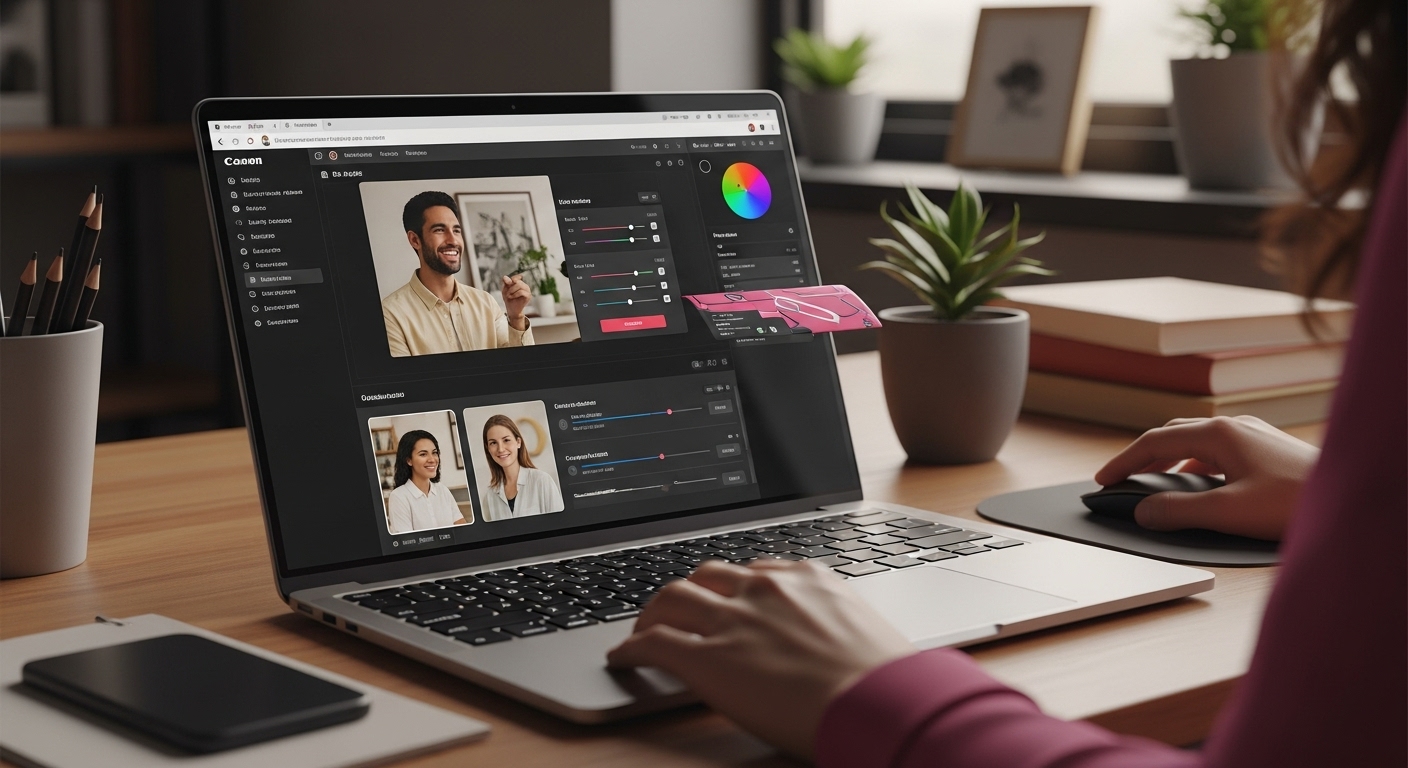 The goal is to create a video that looks professional, sounds natural, and effectively communicates your intended message.
Step 5: Preview and Edit Your Video
Previewing and editing your AI-generated video is the critical final refinement stage where your creative vision transforms into a polished, professional product. This step allows you to catch subtle nuances, ensure message clarity, and make precise adjustments that elevate your video from good to exceptional.
Navigating the Preview Process
Most AI video generation platforms offer intuitive preview interfaces that let you watch your entire video before final rendering. Pro tip: Use this opportunity to critically assess every element, from audio synchronization to visual transitions. Pay close attention to how your message flows and whether the video effectively communicates your intended narrative.
Key aspects to scrutinize during preview include:
- Text Accuracy: Verify script pronunciation and timing
- Visual Consistency: Check avatar movements and background elements
- Audio Quality: Ensure clear sound and appropriate tone
- Timing and Pacing: Review overall video rhythm and engagement
According to advanced AI video generation research, modern platforms now provide granular editing capabilities. This means you can make frame-by-frame adjustments, modify specific segments, or even regenerate problematic sections without recreating the entire video.
Don’t hesitate to iterate multiple times. Professional content creators often preview and edit their videos several times to achieve the perfect result. Many AI video tools allow you to save draft versions, enabling you to experiment without losing previous work.
Remember that your first draft is rarely perfect. Approach the preview and editing process with a critical yet constructive mindset. Each revision brings you closer to a video that not only looks professional but also effectively communicates your core message with clarity and impact.
Step 6: Export and Share Your Final Video
Exporting and sharing your AI-generated video marks the exciting culmination of your creative journey. This final step transforms your carefully crafted content from a project draft into a shareable, impactful piece of digital communication that can reach audiences across multiple platforms.
Selecting the Right Export Settings
Most AI video generation platforms offer multiple export options tailored to different distribution channels. Pro tip: Choose your export settings strategically based on where you plan to share the video. Social media platforms, professional websites, and video hosting services each have optimal resolution and file format requirements.
Consider these critical export considerations:
- Resolution Options: Select between standard (720p), high definition (1080p), or 4K
- File Formats: Common choices include MP4, WebM, and AVI
- Compression Levels: Balance file size with video quality
- Platform-Specific Requirements: Adjust settings for YouTube, LinkedIn, Instagram
According to advanced video generation research, modern AI platforms now provide intelligent export recommendations that automatically optimize your video for specific platforms. This technology helps ensure your content looks professional regardless of where it’s shared.
Before final distribution, always perform a test upload to verify video quality and playback across different devices. Some creators recommend downloading the exported video and reviewing it on multiple screens to confirm everything appears as intended.
Remember that sharing your video is more than just a technical process – it’s about connecting with your audience. Choose distribution channels that align with your content’s purpose and target viewers. Whether you’re creating training materials, marketing content, or personal projects, the right export and sharing strategy can significantly amplify your message’s impact.
Supercharge Your Video Creation Journey and Everyday Productivity
Struggling to make AI video tools work for you or feeling overwhelmed by the countless templates, customization options, and export formats? The article guides you through every step of the process, highlighting challenges such as choosing the right AI generator, creating compelling content, and making editing decisions that really connect with your audience. Many people find the technical side of video production confusing and time-consuming, which can sap your confidence and slow down your workflow.
Imagine simplifying not just your digital projects but also every aspect of your daily routine. At Home, you will discover practical guides that turn complex tech tasks into easy wins. Our Home is packed with step-by-step tips on boosting productivity, overcoming streaming errors, fixing app problems, and applying clever tricks to get more done with less effort. If you want to turn frustration into fast results, visit Home now and jumpstart your next success.
Frequently Asked Questions
What is an AI video generator?
AI video generators are machine learning tools that allow users to create professional-quality videos without extensive technical skills or expensive equipment. They simplify the video creation process by utilizing artificial intelligence to automate many of the tasks involved in video production.
How do I choose the right AI video generator for my needs?
To select the right AI video generator, assess your specific requirements, such as the type of video you’re creating (marketing, educational, or personal), ease of use, video quality, customization options, and pricing structure. Matching the tool to your project needs is crucial for an optimal experience.
Can I customize my videos using an AI video generator?
Yes, most AI video generators offer extensive customization options. You can modify elements such as text, avatars, voiceovers, colors, backgrounds, and graphics to ensure that your video aligns with your unique brand image and messaging.
What should I consider when exporting my final video from an AI video generator?
When exporting your final video, consider resolution options (like SD, HD, or 4K), file formats (such as MP4 or WebM), compression levels, and any platform-specific requirements for sharing on social media or websites. Selecting the right export settings is essential to maintain video quality across different channels.






